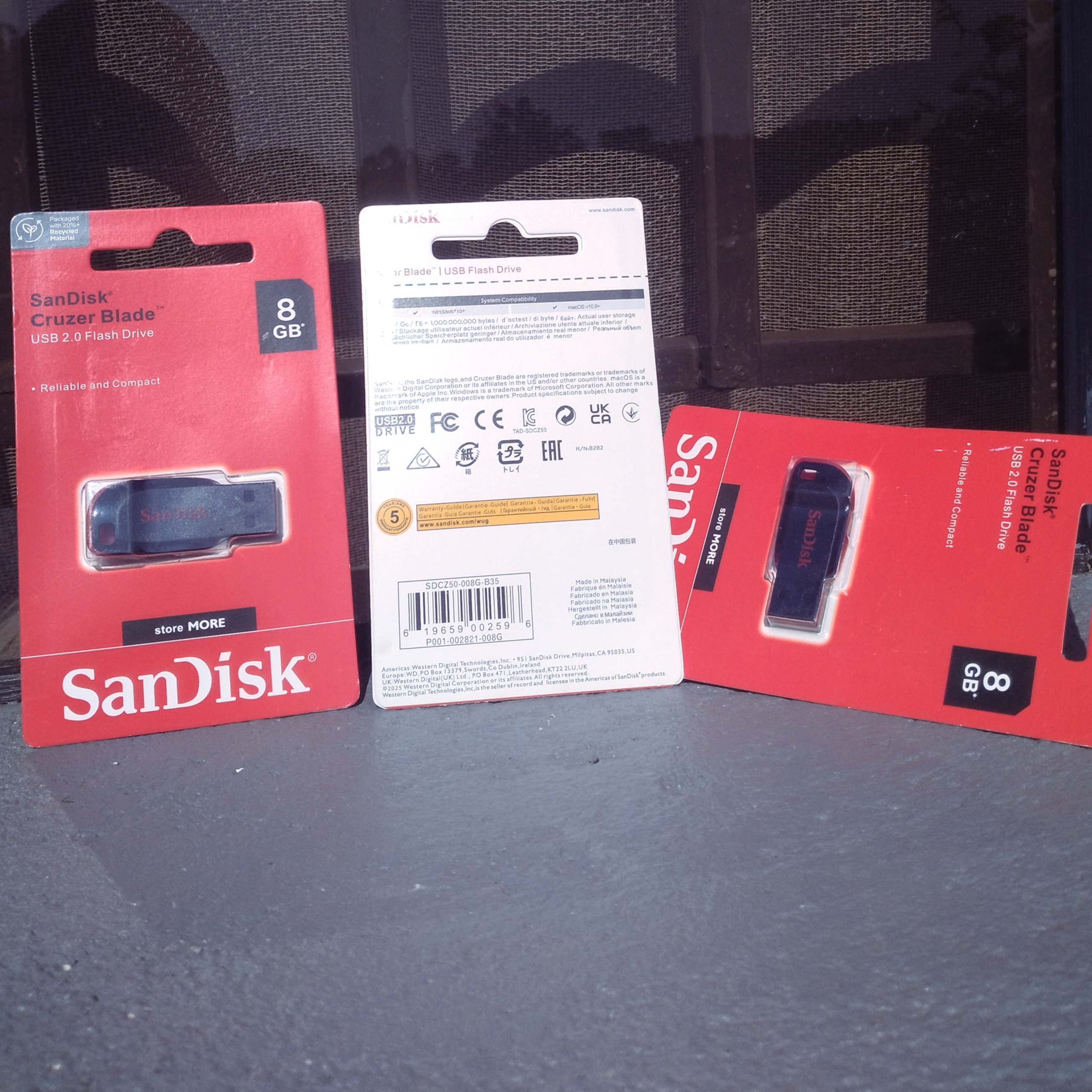
A flash disk or memory card looks simple, but a poor one can lose your files at the worst moment. These are the points we check before recommending one.
1. Pick the capacity you really need
Photos, music and documents take much less space than videos. A small card is fine for a basic phone, while a phone that records a lot of video needs more room. Buy a little more than you think you need, because files always grow.
2. Buy from a seller you can trust
Fake cards and disks exist. They claim a large size but only hold a fraction of it, and files quietly disappear once the real space is full. Buy genuine brands from a shop that will answer questions after the sale.
3. Check what your device can read
- Older phones and cameras may only accept smaller memory cards.
- Newer phones with a Type C port can use a Type C flash disk directly.
- A phone with no USB port for storage can often use an OTG adapter to read a normal flash disk.
4. Look after it
- Always use "Eject" or "Safely remove" before pulling a disk out of a computer.
- Keep a second copy of anything important. A flash disk is a carrier, not a safe.
- Do not leave it in a hot place such as a car on a sunny day.
Need help choosing?
Tell us which phone or computer you use and what you want to store, and we will point you to something that fits. See what we have in the shop.